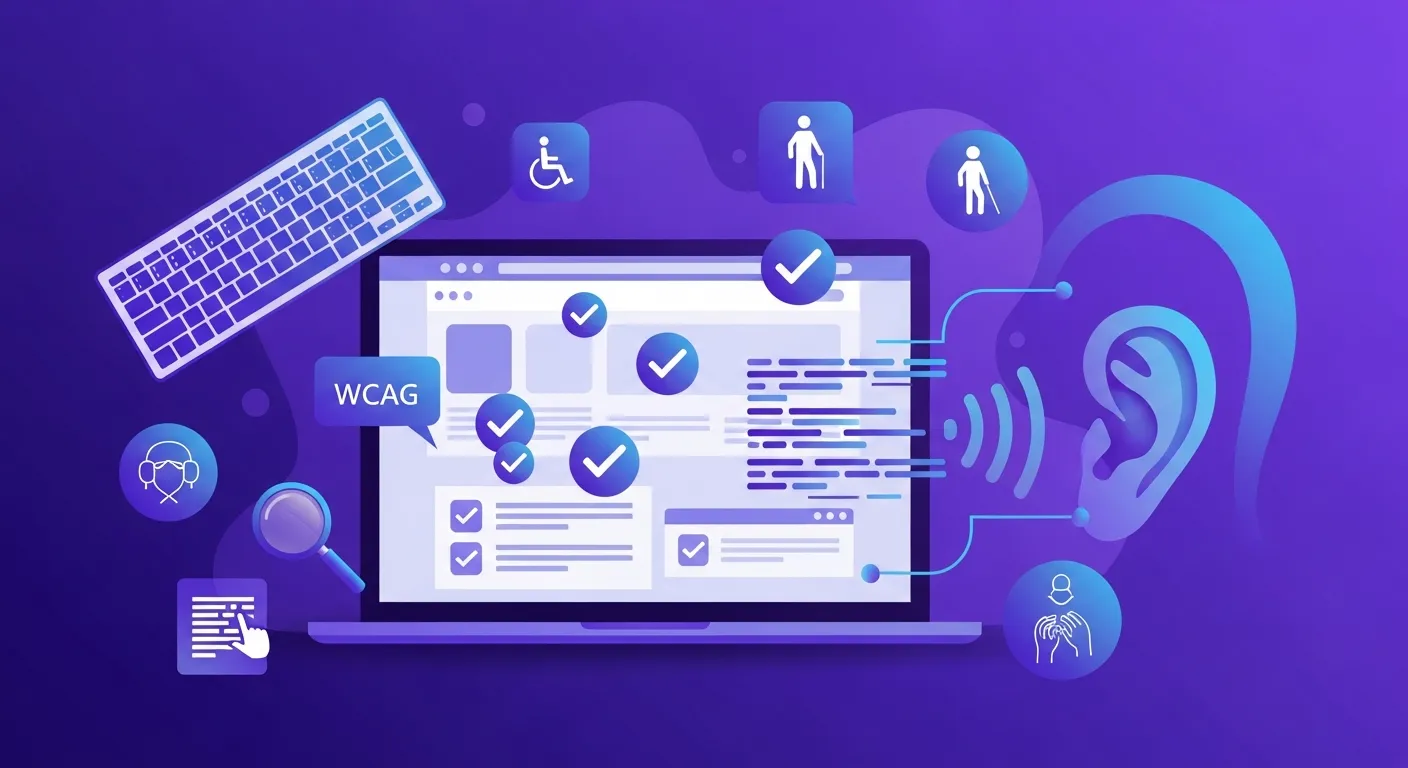
Why Accessibility Matters
Web accessibility ensures that people with disabilities can use your website. It's not just ethical—it's often legally required and benefits everyone.
The Business Case
Legal compliance: ADA, Section 508, EU directives
Larger audience: 15% of world population has disabilities
Better UX: Accessibility improvements help all users
SEO benefits: Accessible sites often rank betterWCAG Guidelines
The Web Content Accessibility Guidelines (WCAG) define how to make content accessible.
WCAG Principles (POUR)
Perceivable: Content must be presentable to users
Operable: Interface must be navigable
Understandable: Content must be readable
Robust: Content must work with assistive techConformance Levels
Level A: Minimum accessibility
Level AA: Standard for most organizations
Level AAA: Highest level of accessibilityWhat We Check
Visual Accessibility
Color contrast ratios (4.5:1 for text)
Text size and scalability
Focus indicators
No reliance on color aloneKeyboard Navigation
All functionality keyboard-accessible
Logical tab order
Skip navigation links
No keyboard trapsScreen Reader Support
Proper heading hierarchy (h1-h6)
Alt text for images
ARIA labels where needed
Semantic HTMLForms and Interactions
Associated labels
Error identification
Clear instructions
Accessible error messagesCommon Issues
Missing Alt Text
Every meaningful image needs descriptive alt text.
Poor Color Contrast
Text must have sufficient contrast with background.
Missing Labels
Form inputs need associated labels.
Incorrect Heading Order
Headings should follow hierarchical order.
Run an accessibility audit with our free WCAG compliance tool.