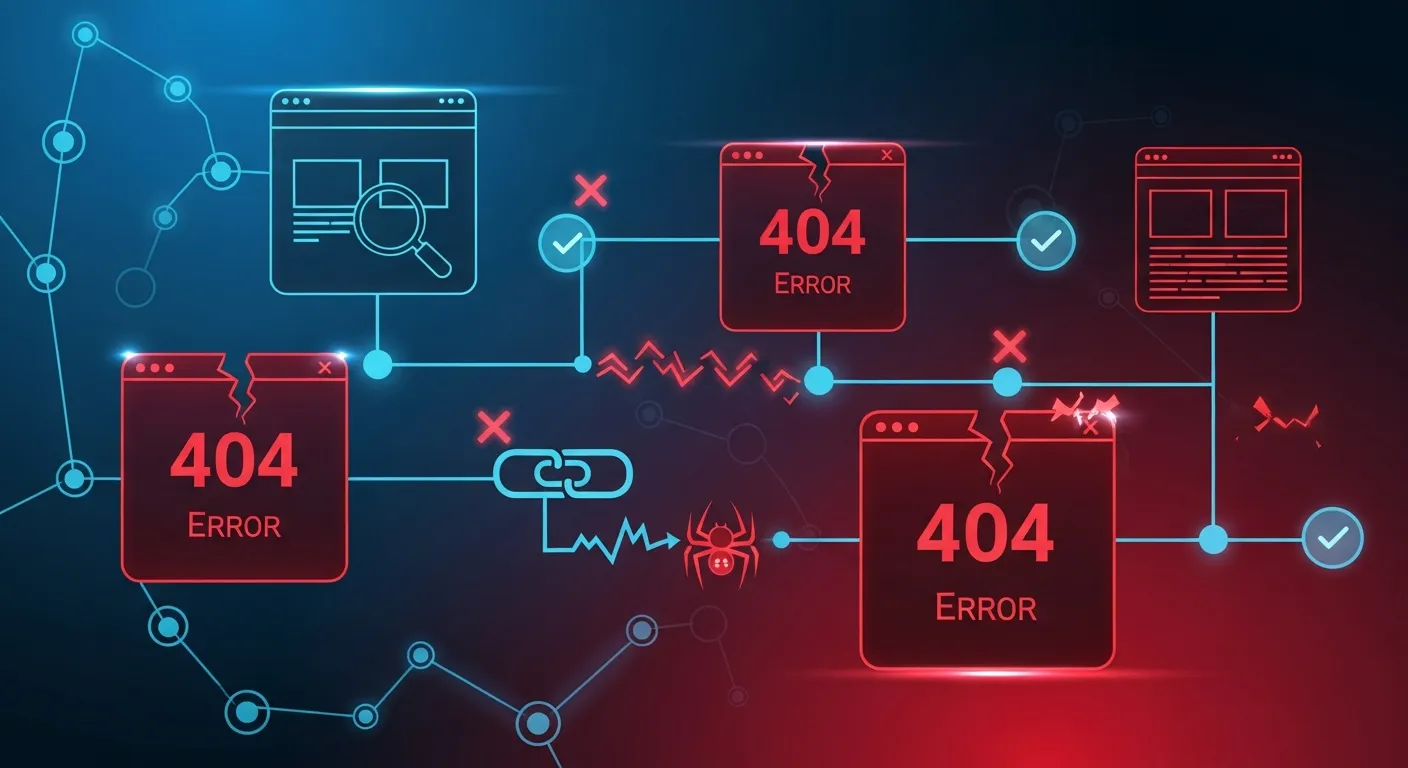
Why Broken Links Matter
Broken links (404 errors) create poor user experience and can hurt your SEO. They signal to search engines that your site isn't well-maintained.
Impact of Broken Links
User Experience
Frustrates visitors
Increases bounce rate
Reduces trustSEO Impact
Wastes crawl budget
Loses link equity
Can hurt rankingsTypes of Broken Links
Internal Broken Links
Links within your site pointing to non-existent pages.
External Broken Links
Links to other websites that no longer work.
Incoming Broken Links
External sites linking to pages you've removed.
Common Causes
Deleted pages: Content removed without redirects
URL changes: URLs modified without 301 redirects
Typos: Mistakes in manual link creation
External site changes: Linked sites restructuring
Domain expiration: Linked domains expiringFinding Broken Links
Our Tool Checks
All internal links
External link validity
Image and resource links
Anchor link functionalityManual Methods
Google Search Console (Crawl Errors)
Server access logs
Site crawlersFixing Broken Links
Priority Order
Fix high-traffic pages first
Focus on internal links
Update or remove external linksFix Options
301 Redirect: Point to equivalent content
Update link: Fix to correct URL
Remove link: If content no longer exists
Create content: Build missing page if valuableScan your site for broken links with our free checker tool.