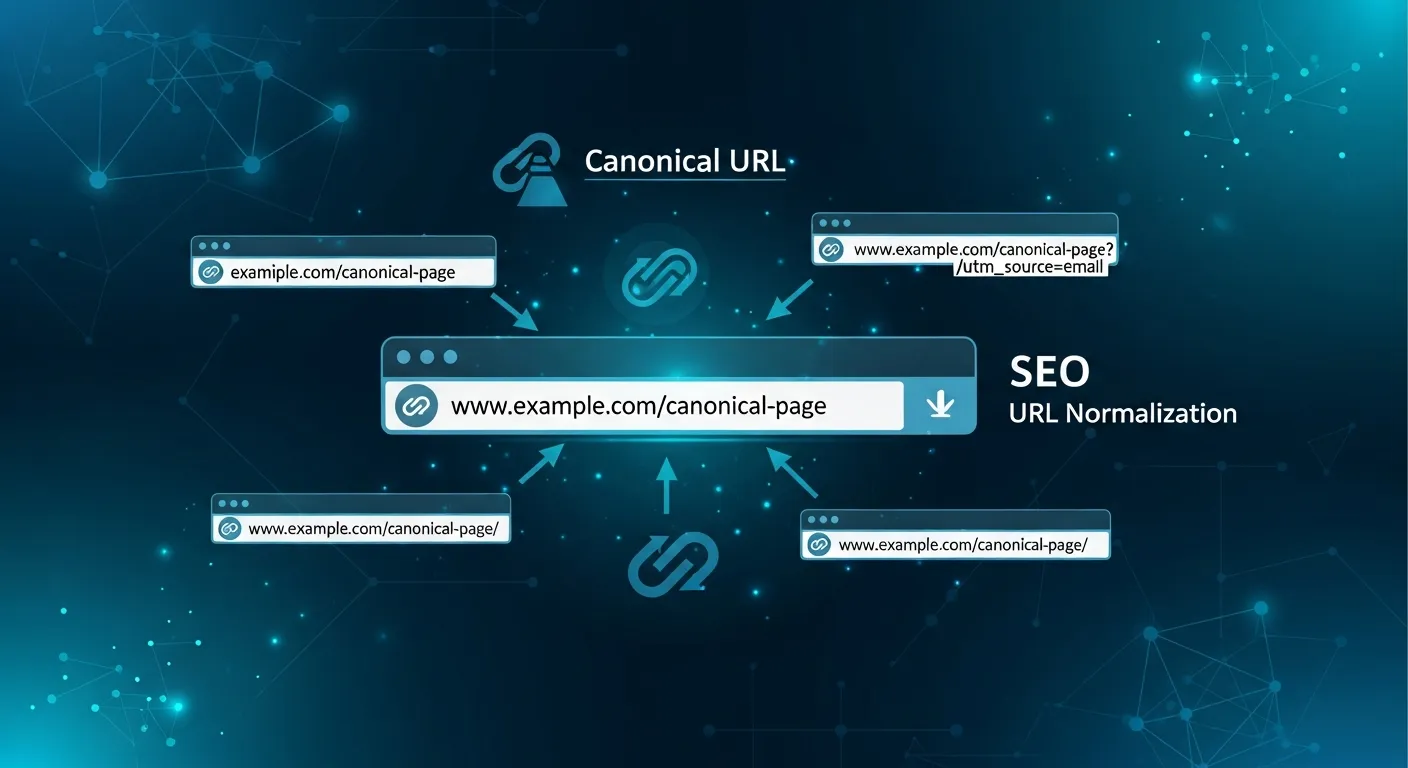
Canonical URLs: Solve Duplicate Content Issues for SEO

Learn how to use canonical tags to prevent duplicate content penalties.

Canonical URLs: Solve Duplicate Content Issues for SEO

What Are Canonical URLs?

A canonical URL tells search engines which version of a page is the "master" copy when multiple URLs show similar or identical content.

The Duplicate Content Problem

Multiple URLs can serve the same content:

  • http://example.com/page
  • https://example.com/page
  • https://www.example.com/page
  • https://example.com/page?ref=twitter
  • Without canonicals, search engines may:

  • Split ranking signals between versions
  • Index the wrong version
  • Waste crawl budget
  • Implementing Canonical Tags

    HTML Link Element

    ``html

    `

    HTTP Header

    `

    Link: ; rel="canonical"

    `

    Best Practices

    Self-Referencing Canonicals

    Every page should have a canonical tag pointing to itself:

    `html

    ``

    Cross-Domain Canonicals

    Can point to content on different domains (with caution).

    Canonical vs 301 Redirect

  • Use 301: When permanently moving content
  • Use canonical: When keeping multiple versions accessible
  • Common Mistakes

  • Pointing to non-indexable pages: Canonical targets should be indexable
  • Canonical chains: A → B → C (should be A → C)
  • Mixed signals: Conflicting canonical and noindex
  • Wrong URL format: Include full absolute URL
  • Audit your canonical tags with our free SEO checker.