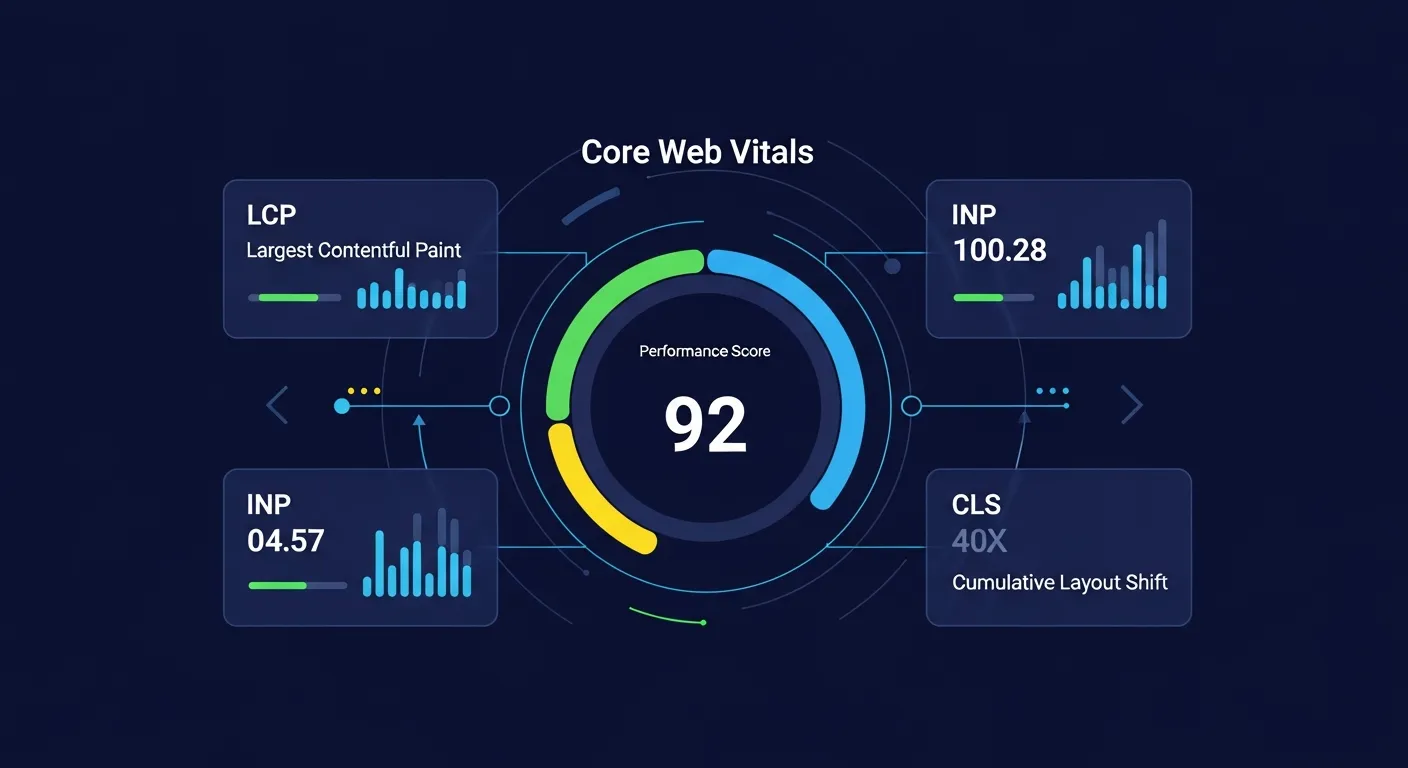
What Are Core Web Vitals?
Core Web Vitals are a set of metrics that Google uses to measure real-world user experience on websites. They directly impact your search rankings and represent the most important aspects of page experience.
The Three Core Metrics
LCP (Largest Contentful Paint)
Measures loading performance—how long it takes for the main content to appear.
Good: ≤ 2.5 seconds
Needs Improvement: 2.5-4 seconds
Poor: > 4 secondsINP (Interaction to Next Paint)
Measures interactivity—how quickly the page responds to user interactions.
Good: ≤ 200 milliseconds
Needs Improvement: 200-500 milliseconds
Poor: > 500 millisecondsCLS (Cumulative Layout Shift)
Measures visual stability—how much the page layout shifts unexpectedly.
Good: ≤ 0.1
Needs Improvement: 0.1-0.25
Poor: > 0.25How Google Measures Core Web Vitals
Field Data vs Lab Data
Field Data (Real User Metrics)
Collected from actual users via Chrome UX Report (CrUX)
Represents real-world experience
Used for search rankingLab Data
Measured in controlled environment (Lighthouse)
Useful for debugging
Not used for ranking directlyOptimizing LCP
Common LCP Issues
Slow server response (TTFB)
Render-blocking resources
Slow resource load times
Client-side renderingLCP Optimization Strategies
Optimize server response time
Preload critical resources
Use CDN for static assets
Optimize images (WebP, proper sizing)Optimizing INP
What Affects INP?
Long JavaScript tasks
Main thread blocking
Heavy event handlers
Third-party scriptsINP Optimization Strategies
Break up long tasks
Use web workers for heavy computation
Optimize event handlers
Defer non-critical JavaScriptOptimizing CLS
Common CLS Causes
Images without dimensions
Dynamically injected content
Web fonts causing FOIT/FOUT
Ads and embedsCLS Optimization Strategies
Always include width/height on images
Reserve space for dynamic content
Use font-display: swap
Avoid inserting content above existing contentCheck your Core Web Vitals with our free analysis tool.