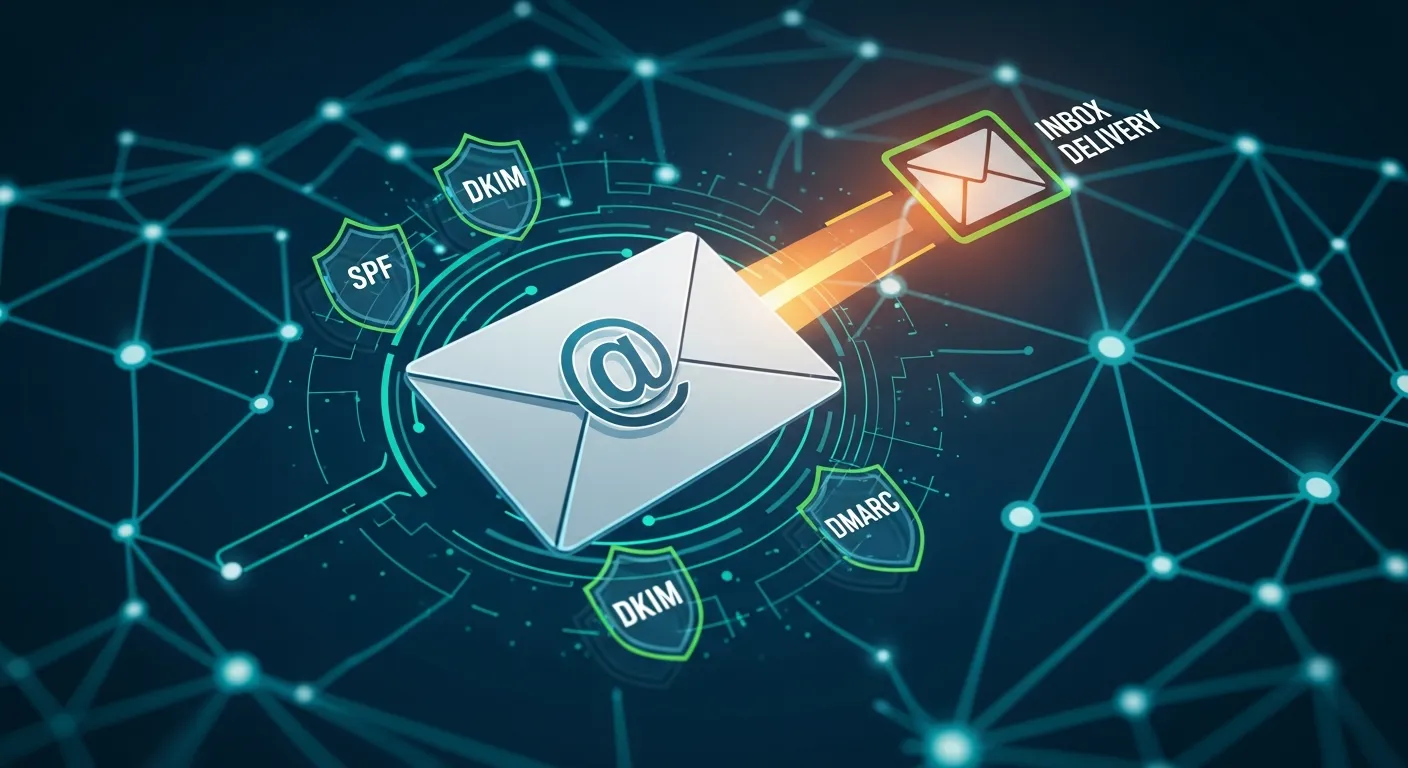
Why Email Deliverability Matters
Every day, billions of emails are blocked or sent to spam folders. Proper email authentication ensures your important messages reach their intended recipients.
The Cost of Poor Deliverability
Email Authentication Protocols
SPF (Sender Policy Framework)
SPF tells receiving servers which mail servers are authorized to send email for your domain.
`` v=spf1 include:_spf.google.com include:sendgrid.net -all
`
Key components:
: Version identifier: Authorized senders: Reject unauthorized sendersDKIM (DomainKeys Identified Mail)
DKIM adds a digital signature to your emails, proving they haven't been modified in transit.
Benefits:
DMARC (Domain-based Message Authentication)
DMARC tells receiving servers what to do when SPF or DKIM fails.
` v=DMARC1; p=quarantine; rua=mailto:dmarc@example.com
`
Policies:
: Monitor only: Send to spamWhat We Check
Our Email Deliverability tool analyzes:
Common Issues
Missing SPF Record
Weak DMARC Policy
DKIM Not Configured
Test your email deliverability with our free diagnostic tool.