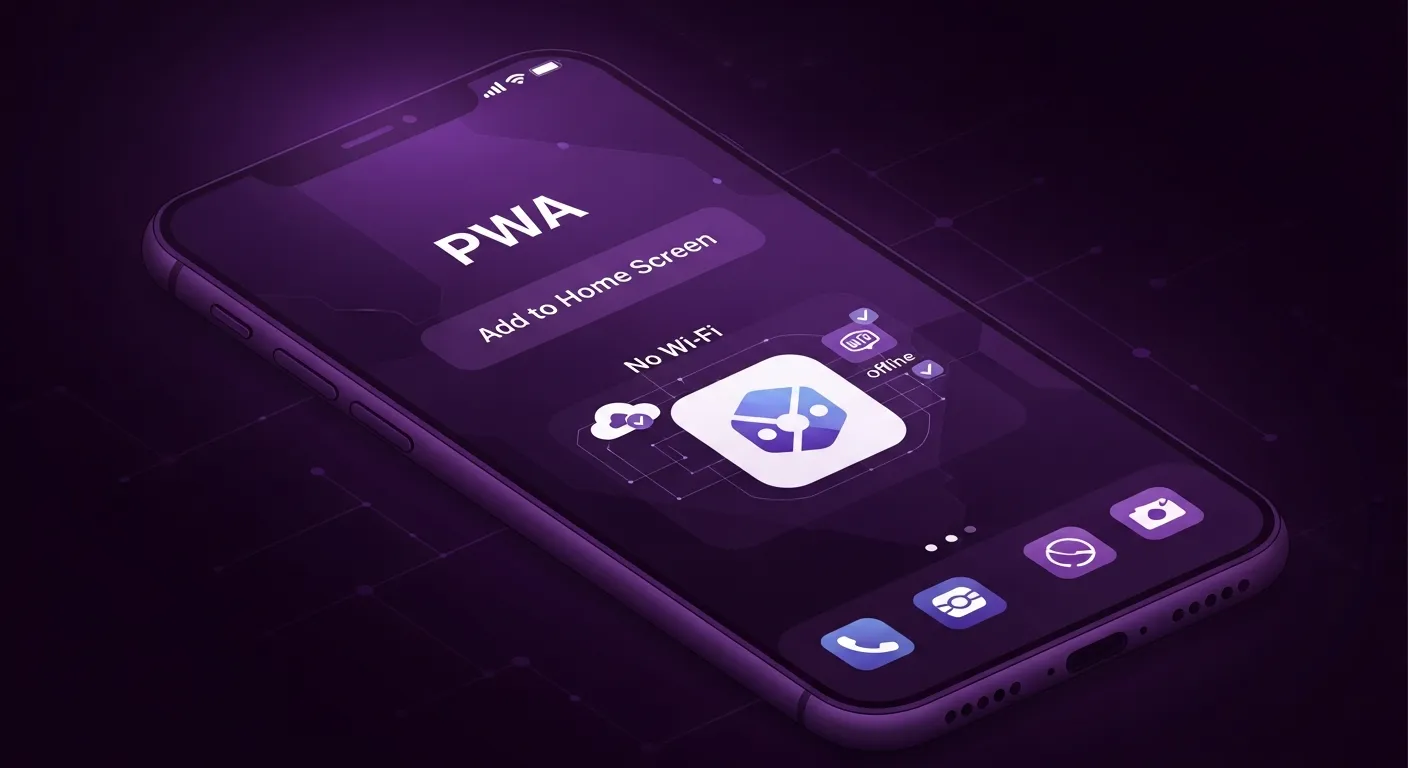
What is a Progressive Web App?
A Progressive Web App (PWA) is a website that uses modern web capabilities to deliver app-like experiences. PWAs are installable, work offline, and can send push notifications.
PWA Benefits
Core PWA Requirements
1. HTTPS
PWAs must be served over secure connections.
2. Web App Manifest
JSON file describing your app:
`` {
"name": "My App",
"short_name": "App",
"start_url": "/",
"display": "standalone",
"background_color": "#ffffff",
"theme_color": "#000000",
"icons": [
{
"src": "/icon-192.webp",
"sizes": "192x192",
"type": "image/png"
}
]
}
json
`
3. Service Worker
JavaScript file enabling offline functionality:
` self.addEventListener('fetch', event => {
event.respondWith(
caches.match(event.request)
.then(response => response || fetch(event.request))
);
});
javascript
``
What We Audit
Installability
Offline Support
Performance
Audit your PWA with our free Progressive Web App checker.